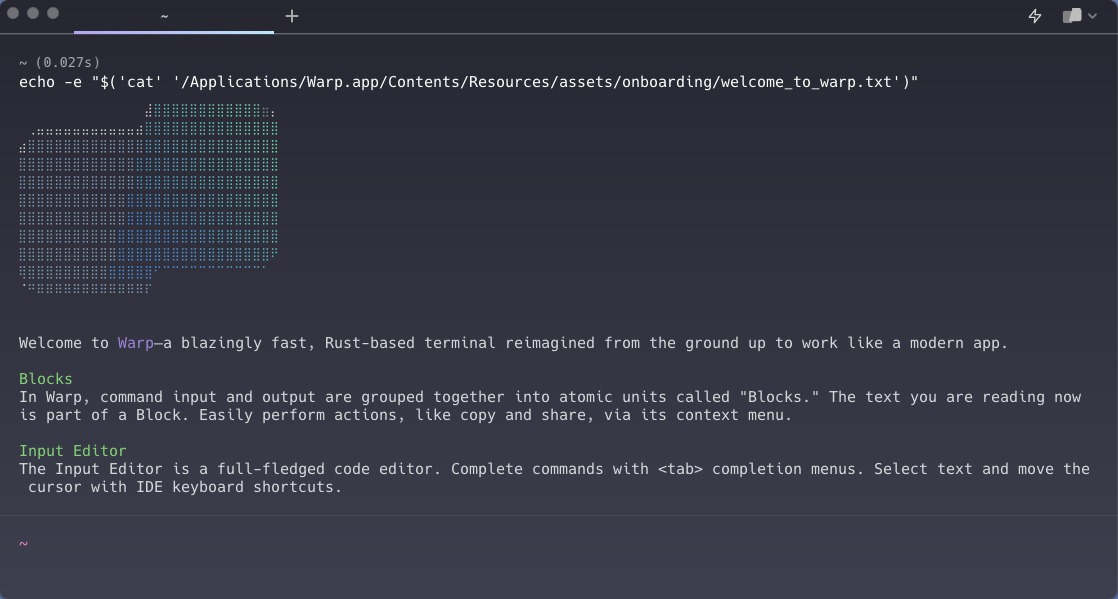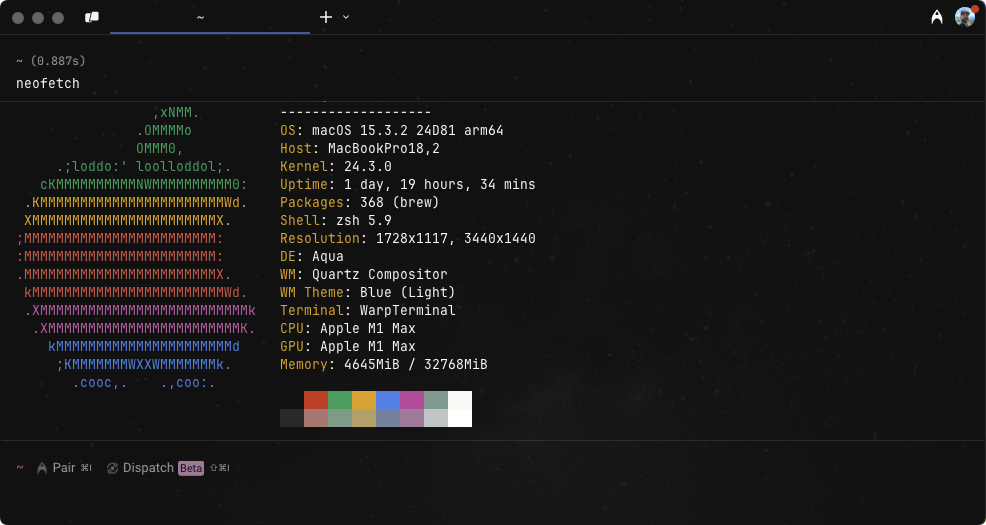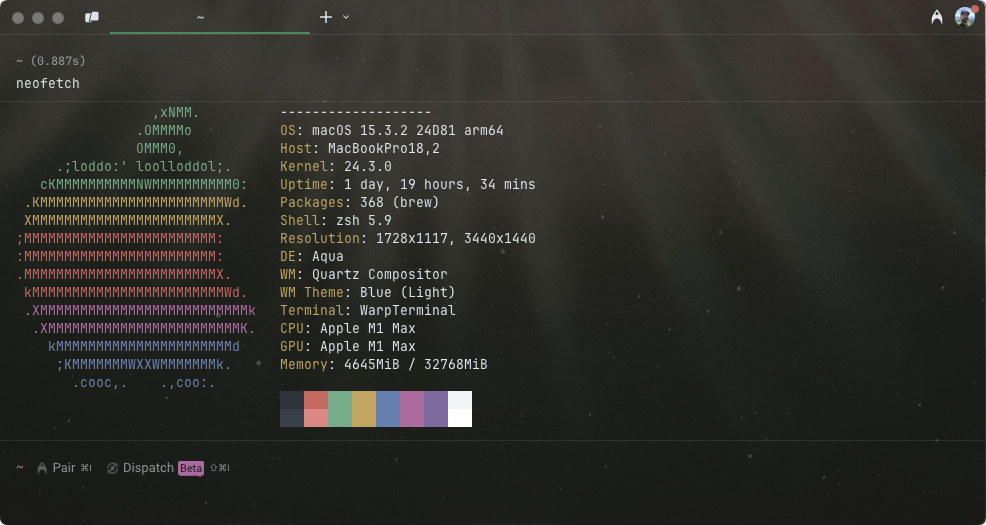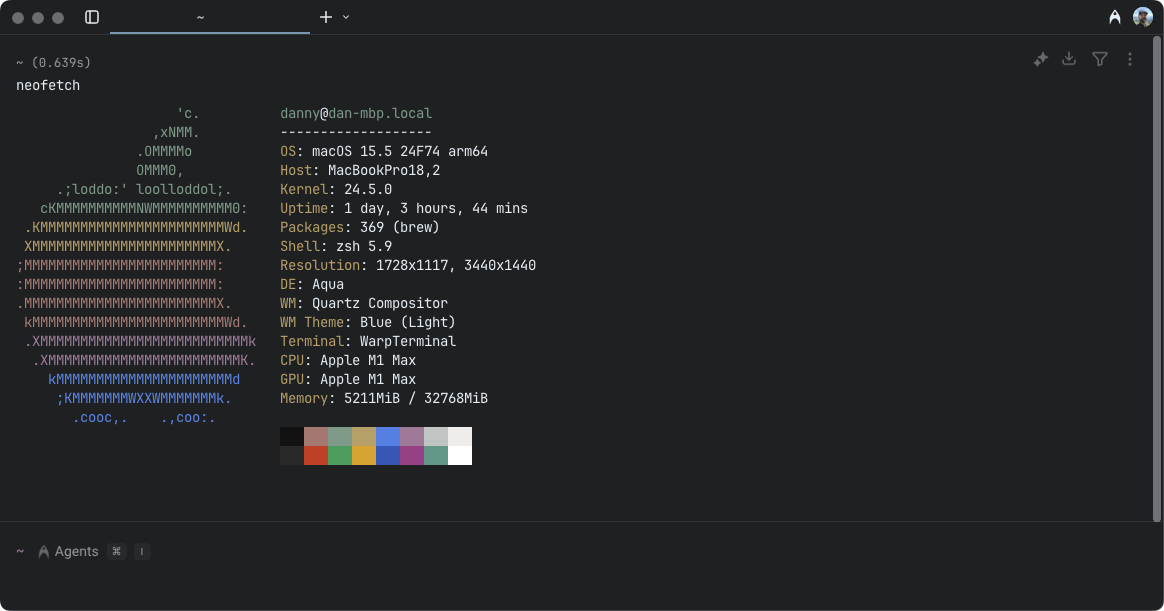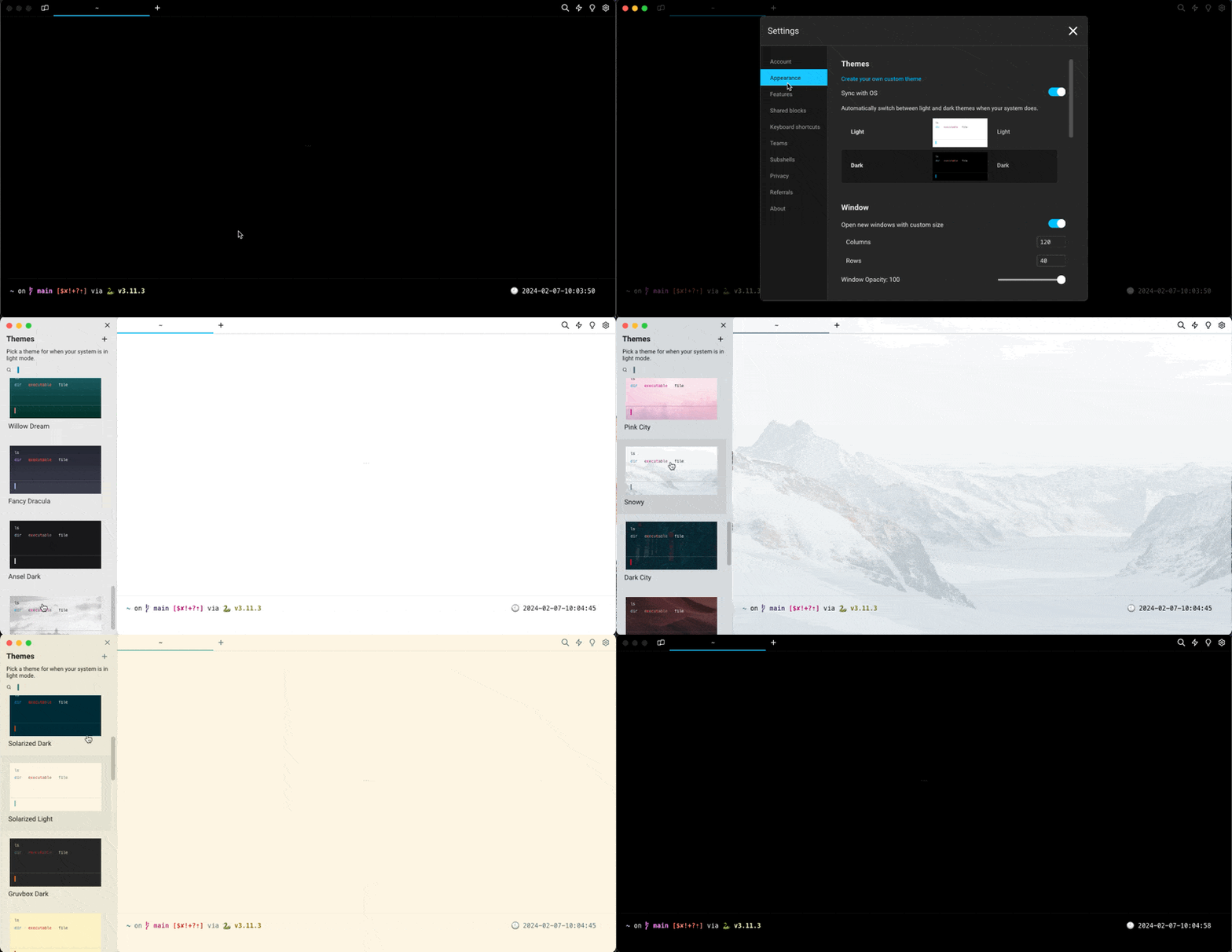
# Terminal themes

### Theme Picker

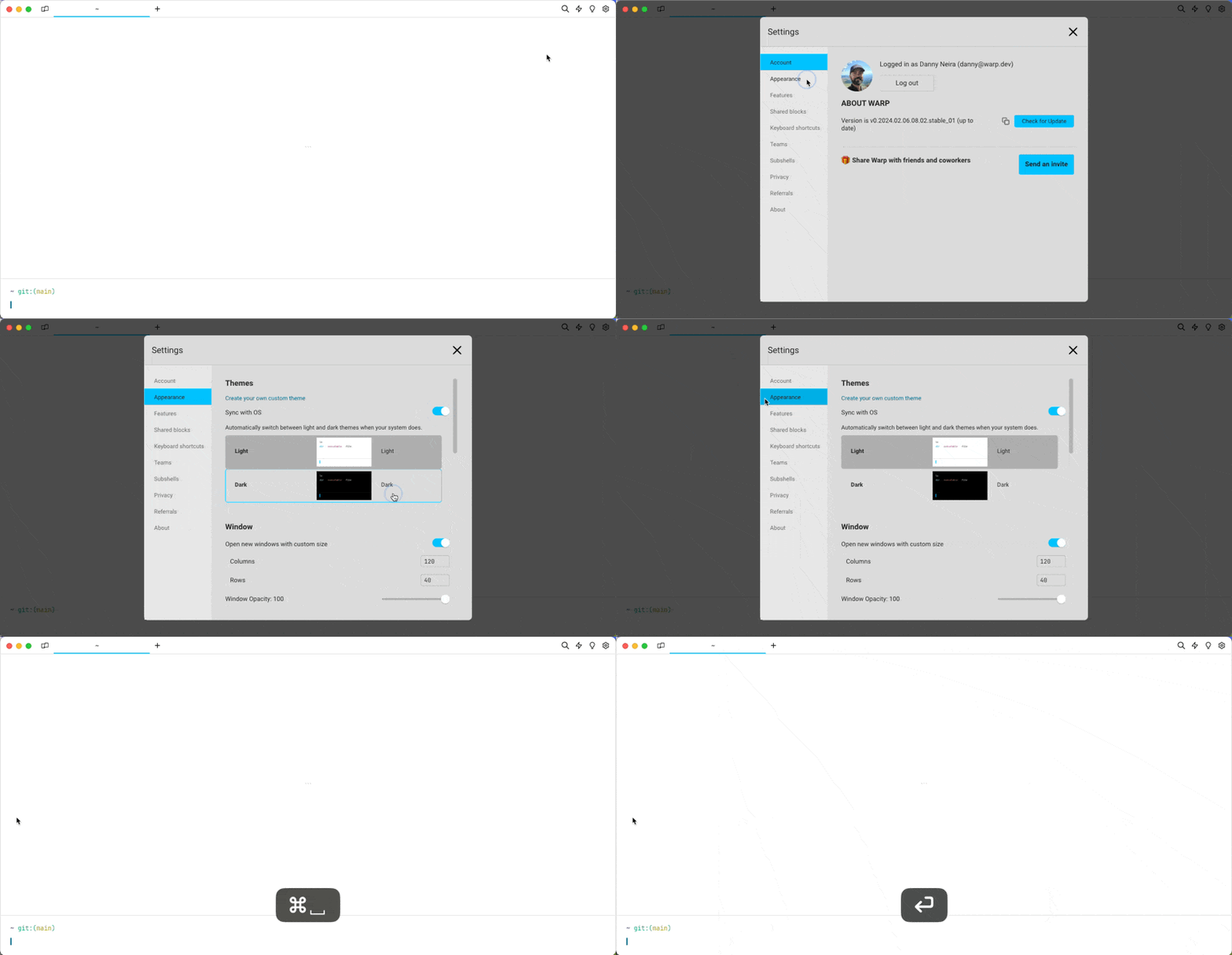
The Theme Picker can be accessed by:

1. Navigating to **Settings** > **Appearance**.
2. Clicking the Custom Themes (shaded) box.
3. Upon selecting a theme, Warp's appearance will update accordingly.
4. Press the checkmark to save the selection, or the X to revert.

{% hint style="info" %}
The Theme setting persists, meaning Warp will open with the same settings in the next session.
{% endhint %}

### Theme Creator

Automatically create new themes based on a background image.

1. Go to **Settings** > **Appearance** > **Themes** or search "Open theme picker" within the [Command Palette](https://docs.warp.dev/terminal/command-palette).
2. Click the `+` button in the theme picker.
3. Upload the image and select the background color.
4. Click "Create Theme" to save and accept the new theme.

### OS Theme Sync

Warp supports synchronizing your theme with the OS’s light and dark themes. To enable this:

1. Open the **Settings** > **Appearance** dialog.
2. Click the toggle "Sync with OS".
3. You will then be able to select a specific theme for when the OS is in light mode and dark mode.

## How it works

<figure><img src="https://4009768362-files.gitbook.io/~/files/v0/b/gitbook-x-prod.appspot.com/o/spaces%2FPsjNxoJ0NFCXW6rRdHH3%2Fuploads%2Fgit-blob-20d3599d5fd425ac06adcd83837e4d1f634007c2%2Ftheme-picker.gif?alt=media" alt=""><figcaption><p>Theme picker demo</p></figcaption></figure>

<figure><img src="https://4009768362-files.gitbook.io/~/files/v0/b/gitbook-x-prod.appspot.com/o/spaces%2FPsjNxoJ0NFCXW6rRdHH3%2Fuploads%2Fgit-blob-69f7fa985fdb3acdc6041af64bf848ba31a6698b%2Ftheme-creator.gif?alt=media" alt=""><figcaption><p>Theme creator demo</p></figcaption></figure>

<figure><img src="https://4009768362-files.gitbook.io/~/files/v0/b/gitbook-x-prod.appspot.com/o/spaces%2FPsjNxoJ0NFCXW6rRdHH3%2Fuploads%2Fgit-blob-1fa2c838244f1456a5aebf16a8037fa8eb9e9d6a%2Ftheme-sync-demo.gif?alt=media" alt="theme os sync demo"><figcaption><p>Theme sync demo</p></figcaption></figure>

## Default Themes

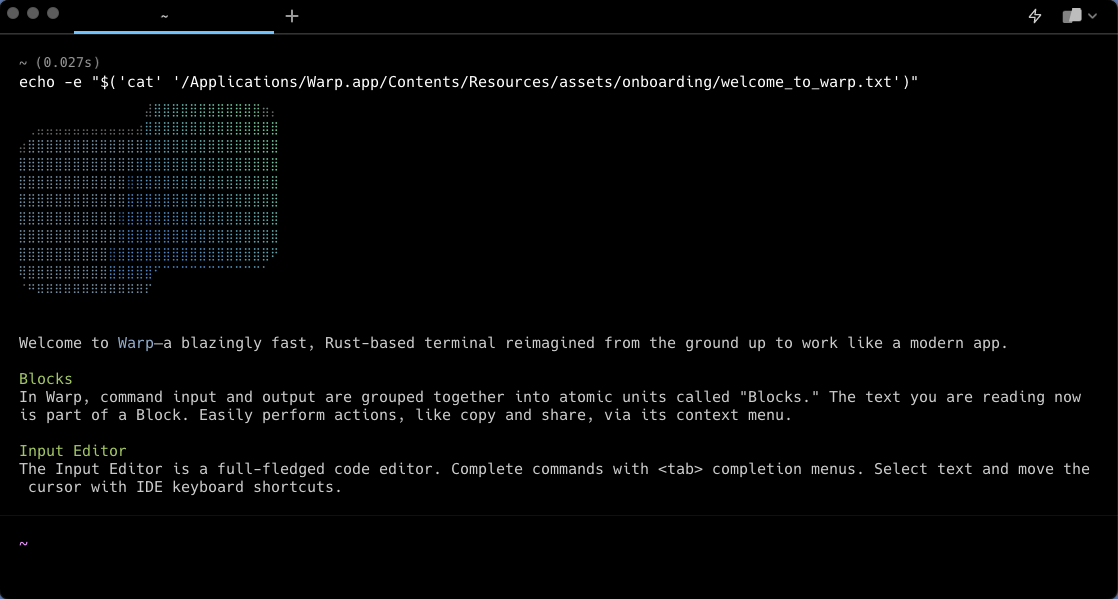
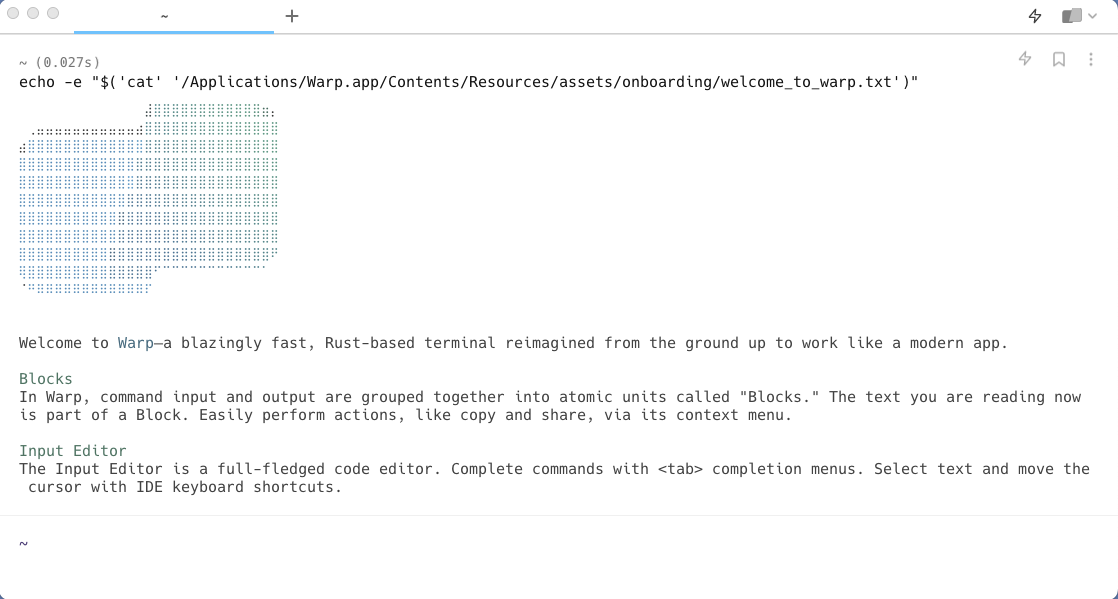
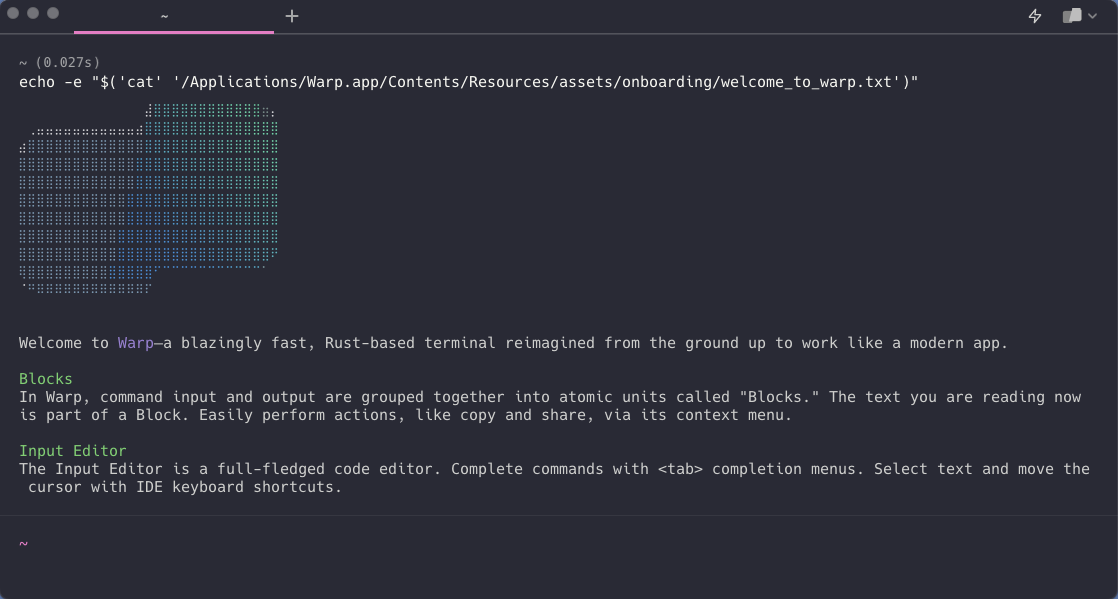
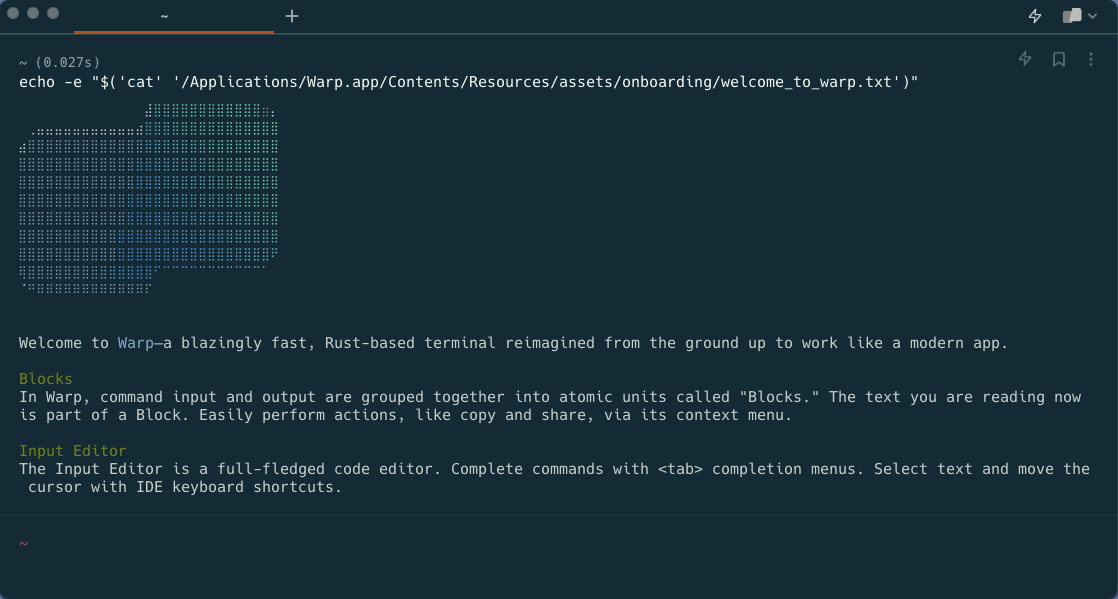
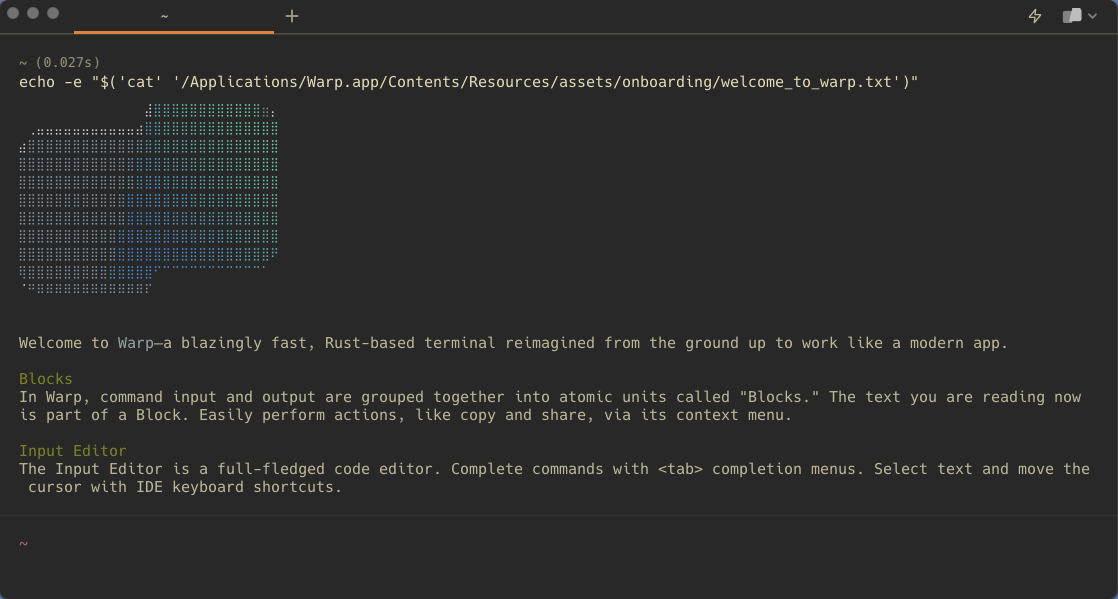
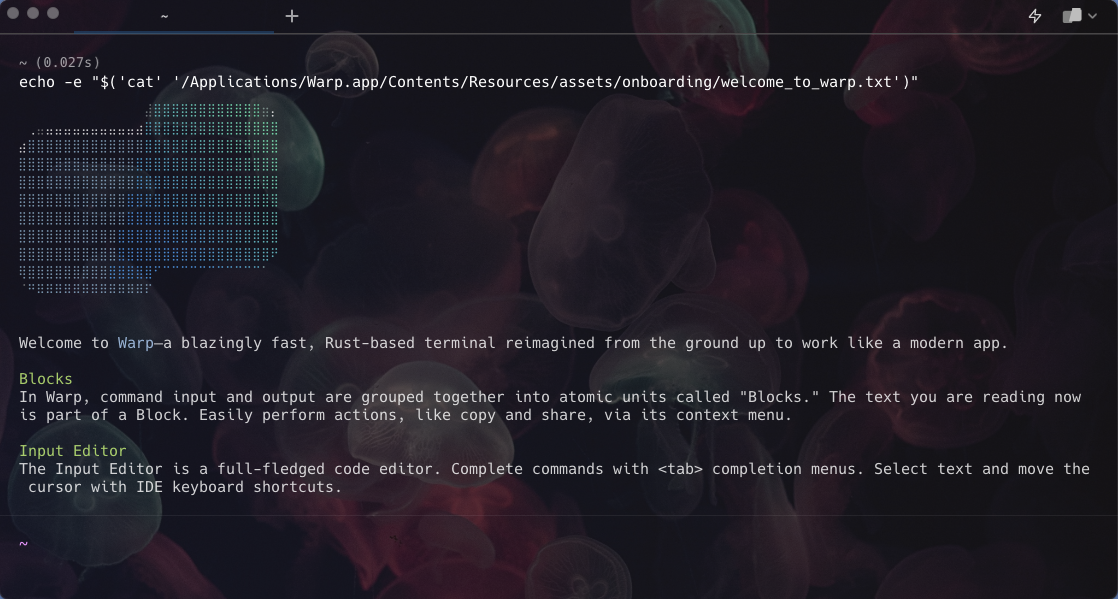
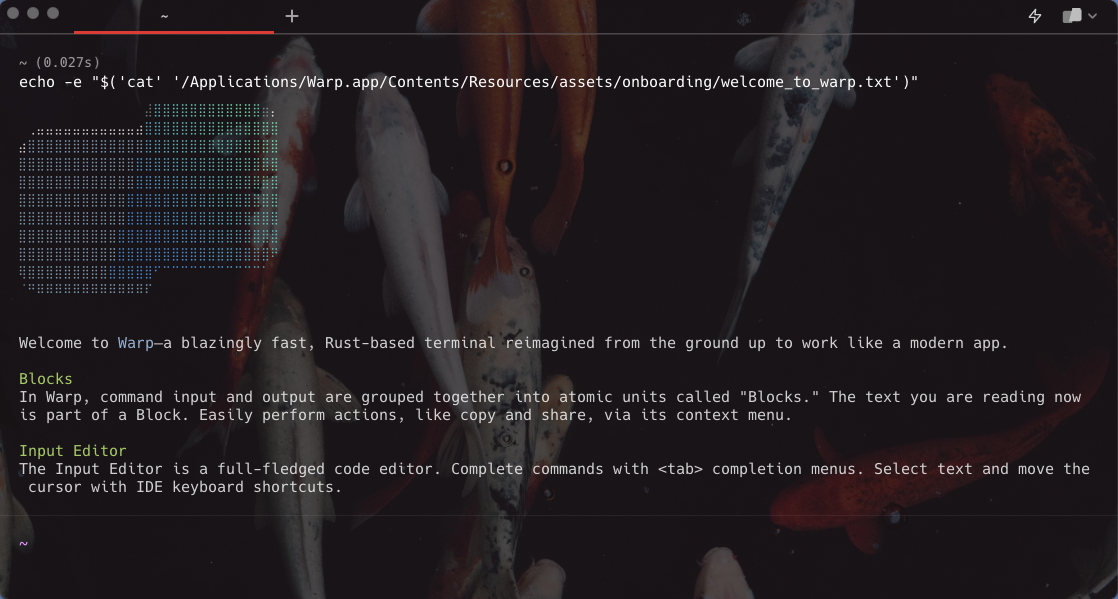
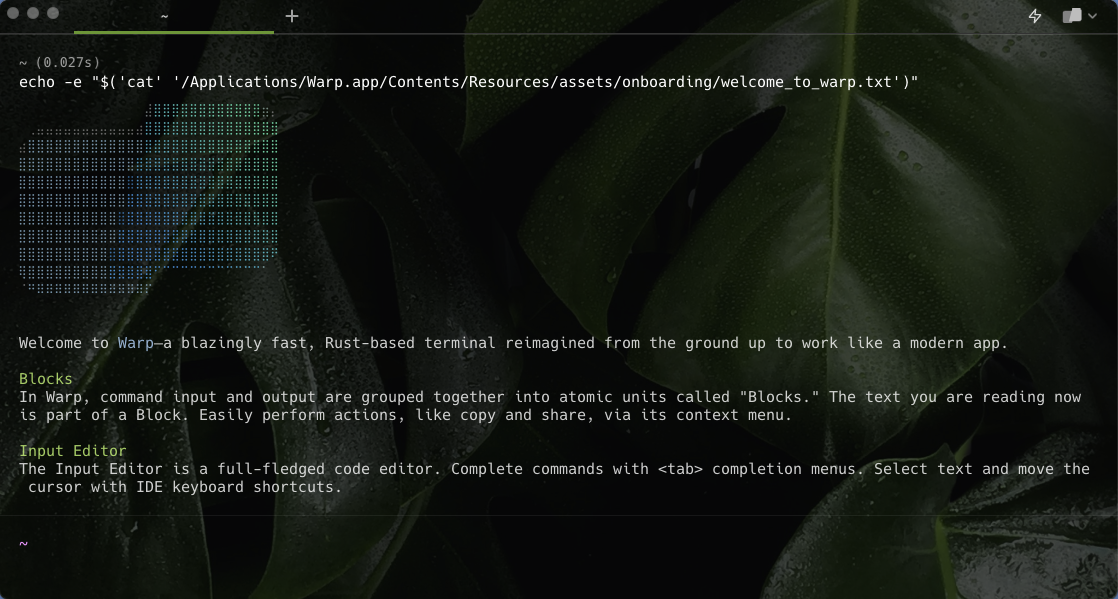
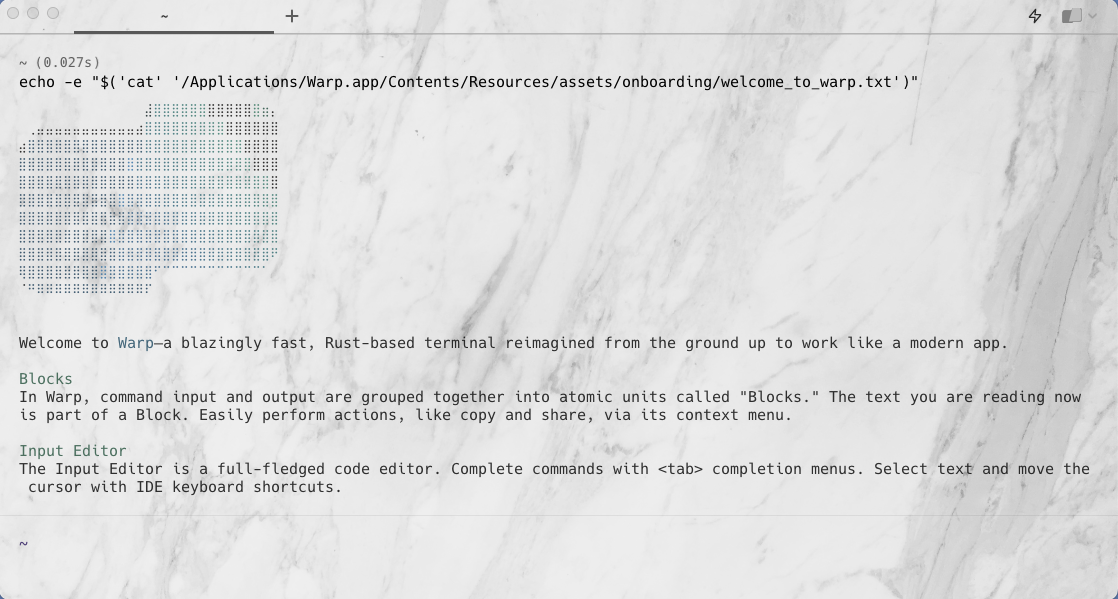
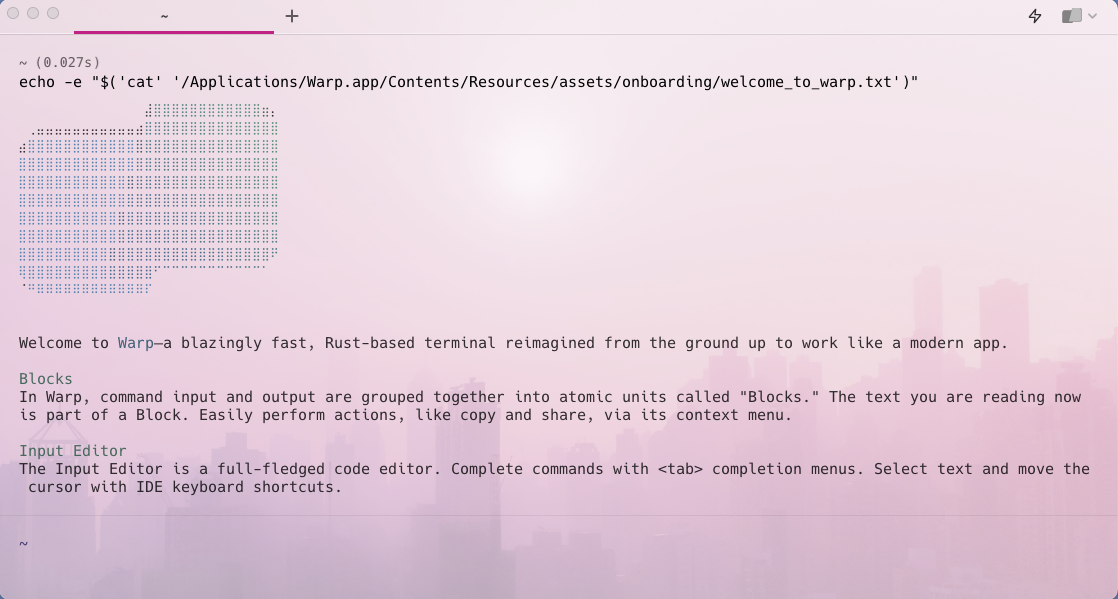
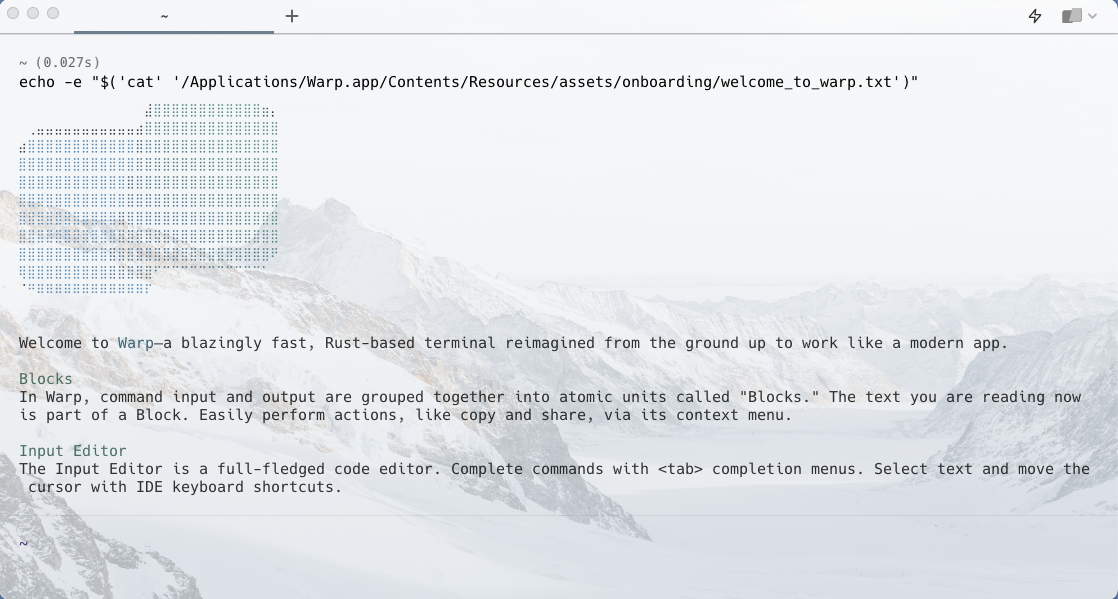
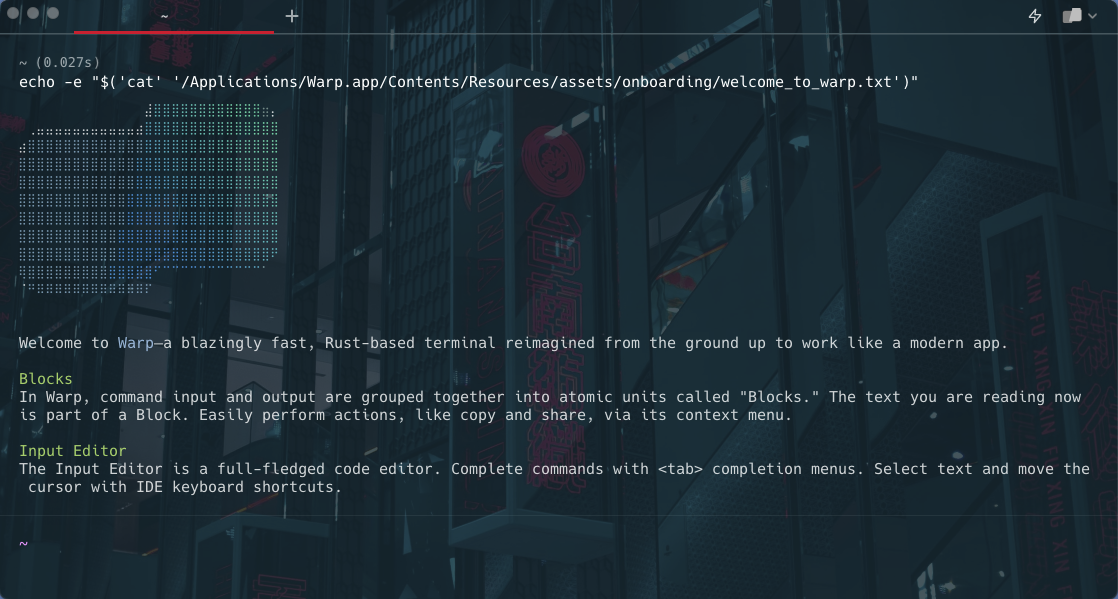
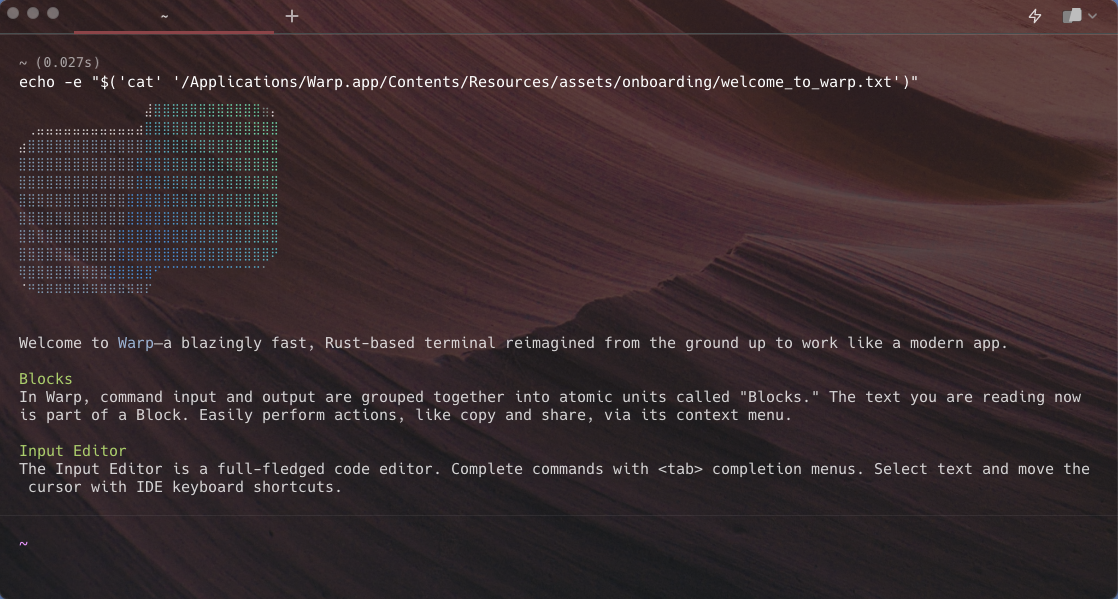
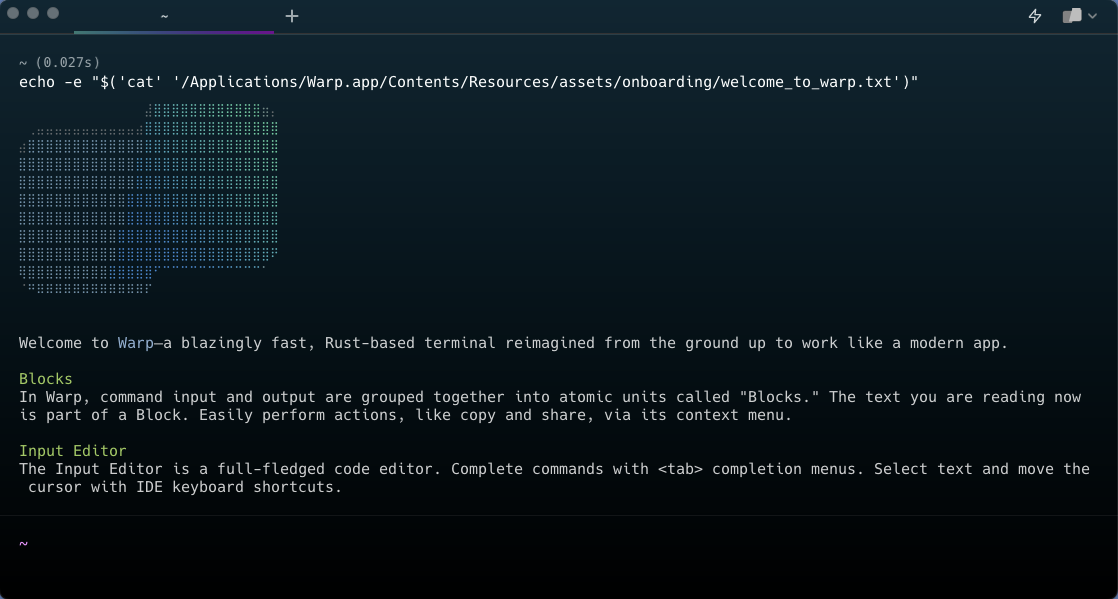
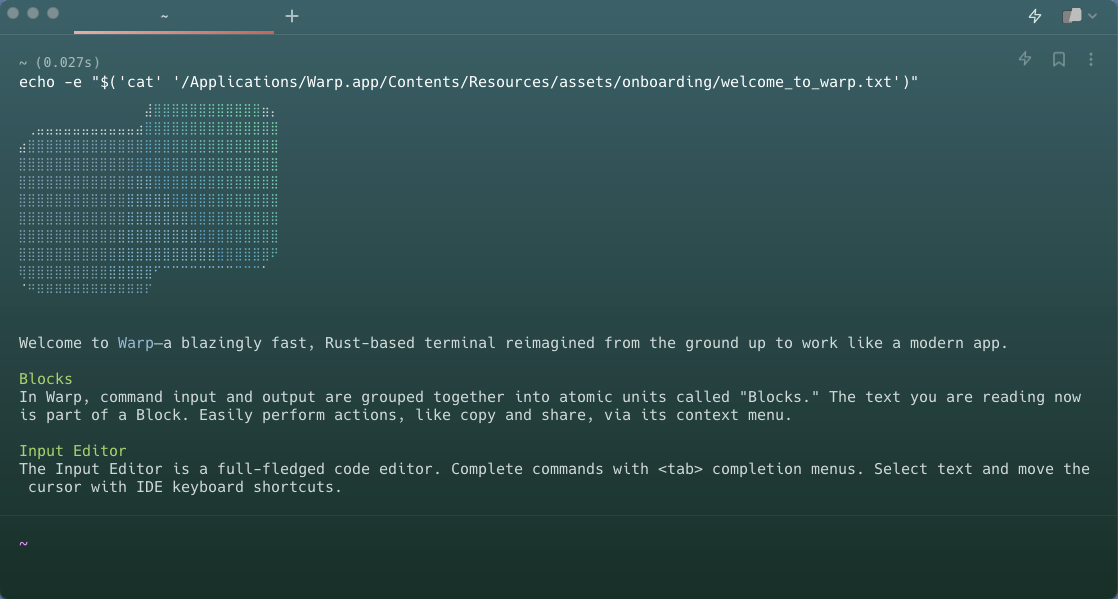
By default, Warp ships with these themes:

<table data-view="cards"><thead><tr><th align="center"></th><th align="center"></th></tr></thead><tbody><tr><td align="center"><img src="https://4009768362-files.gitbook.io/~/files/v0/b/gitbook-x-prod.appspot.com/o/spaces%2FPsjNxoJ0NFCXW6rRdHH3%2Fuploads%2Fgit-blob-72c990c1e5ed682da0cffad5eba740be47cc4c3a%2Fwarp-dark.png?alt=media" alt=""></td><td align="center">Warp Dark</td></tr><tr><td align="center"><img src="https://4009768362-files.gitbook.io/~/files/v0/b/gitbook-x-prod.appspot.com/o/spaces%2FPsjNxoJ0NFCXW6rRdHH3%2Fuploads%2Fgit-blob-b0abfd1f53b1783766aa380b576e2daf30359735%2Fwarp-light.png?alt=media" alt=""></td><td align="center">Warp Light</td></tr><tr><td align="center"><img src="https://4009768362-files.gitbook.io/~/files/v0/b/gitbook-x-prod.appspot.com/o/spaces%2FPsjNxoJ0NFCXW6rRdHH3%2Fuploads%2Fgit-blob-1e0219a8ecbe3bdba5006c597c3e6def69e95e81%2Fdracula.png?alt=media" alt=""></td><td align="center">Dracula</td></tr><tr><td align="center"><img src="https://4009768362-files.gitbook.io/~/files/v0/b/gitbook-x-prod.appspot.com/o/spaces%2FPsjNxoJ0NFCXW6rRdHH3%2Fuploads%2Fgit-blob-67eab274f75fc910b76a19a7a7947aa670f8b8cf%2Fsolarized-dark.png?alt=media" alt=""></td><td align="center">Solarized Dark</td></tr><tr><td align="center"><img src="https://4009768362-files.gitbook.io/~/files/v0/b/gitbook-x-prod.appspot.com/o/spaces%2FPsjNxoJ0NFCXW6rRdHH3%2Fuploads%2Fgit-blob-b03986790eb80a9087d659b7eb45a026593f4ec6%2Fsolarized-light.png?alt=media" alt=""></td><td align="center">Solarized Light</td></tr><tr><td align="center"><img src="https://4009768362-files.gitbook.io/~/files/v0/b/gitbook-x-prod.appspot.com/o/spaces%2FPsjNxoJ0NFCXW6rRdHH3%2Fuploads%2Fgit-blob-f6e839e7ad1200efd3b46f3ca37cd13822133ac1%2Fgruvbox-dark.png?alt=media" alt=""></td><td align="center">Gruvbox Dark</td></tr><tr><td align="center"><img src="https://4009768362-files.gitbook.io/~/files/v0/b/gitbook-x-prod.appspot.com/o/spaces%2FPsjNxoJ0NFCXW6rRdHH3%2Fuploads%2Fgit-blob-94f2d3bc7a8ca1ad8dfb9cf6b256c9823206be30%2Fgruvbox-light.png?alt=media" alt=""></td><td align="center">Gruvbox Light</td></tr><tr><td align="center"><img src="https://4009768362-files.gitbook.io/~/files/v0/b/gitbook-x-prod.appspot.com/o/spaces%2FPsjNxoJ0NFCXW6rRdHH3%2Fuploads%2Fgit-blob-d42e247d0d2dc8d282acc9ef25a7c2ab215014fe%2Fjellyfish.png?alt=media" alt=""></td><td align="center">Jellyfish</td></tr><tr><td align="center"><img src="https://4009768362-files.gitbook.io/~/files/v0/b/gitbook-x-prod.appspot.com/o/spaces%2FPsjNxoJ0NFCXW6rRdHH3%2Fuploads%2Fgit-blob-d7f6bf7d62fb8cdce0018dedb084ab4302efa1f0%2Fkoi.png?alt=media" alt=""></td><td align="center">Koi</td></tr><tr><td align="center"><img src="https://4009768362-files.gitbook.io/~/files/v0/b/gitbook-x-prod.appspot.com/o/spaces%2FPsjNxoJ0NFCXW6rRdHH3%2Fuploads%2Fgit-blob-70e5bf4ed6afcaeff767a8e419e0e9a76ff548ee%2Fleafy.png?alt=media" alt=""></td><td align="center">Leafy</td></tr><tr><td align="center"><img src="https://4009768362-files.gitbook.io/~/files/v0/b/gitbook-x-prod.appspot.com/o/spaces%2FPsjNxoJ0NFCXW6rRdHH3%2Fuploads%2Fgit-blob-09d390fb3a434925c2d1737487f52fa935a003d4%2Fmarble.png?alt=media" alt=""></td><td align="center">Marble</td></tr><tr><td align="center"><img src="https://4009768362-files.gitbook.io/~/files/v0/b/gitbook-x-prod.appspot.com/o/spaces%2FPsjNxoJ0NFCXW6rRdHH3%2Fuploads%2Fgit-blob-c9c84d02776d187532fbb09e032a931360903194%2Fpink-city.png?alt=media" alt=""></td><td align="center">Pink City</td></tr><tr><td align="center"><img src="https://4009768362-files.gitbook.io/~/files/v0/b/gitbook-x-prod.appspot.com/o/spaces%2FPsjNxoJ0NFCXW6rRdHH3%2Fuploads%2Fgit-blob-aeb07839e2c782c93f2f3f5dd770b86ef1fc48ab%2Fsnowy.png?alt=media" alt=""></td><td align="center">Snowy</td></tr><tr><td align="center"><img src="https://4009768362-files.gitbook.io/~/files/v0/b/gitbook-x-prod.appspot.com/o/spaces%2FPsjNxoJ0NFCXW6rRdHH3%2Fuploads%2Fgit-blob-17befdfb17abf9cc24fe987e167ae472f75b1dfb%2Fdark-city.png?alt=media" alt=""></td><td align="center">Dark City</td></tr><tr><td align="center"><img src="https://4009768362-files.gitbook.io/~/files/v0/b/gitbook-x-prod.appspot.com/o/spaces%2FPsjNxoJ0NFCXW6rRdHH3%2Fuploads%2Fgit-blob-8cb7c1179d71b0d823e88a3eb323a7b30a4853aa%2Fred-rock.png?alt=media" alt=""></td><td align="center">Red Rock</td></tr><tr><td align="center"><img src="https://4009768362-files.gitbook.io/~/files/v0/b/gitbook-x-prod.appspot.com/o/spaces%2FPsjNxoJ0NFCXW6rRdHH3%2Fuploads%2Fgit-blob-2016bedb055f6ba3f07e47c2e5796defaa531636%2Fcyber-wave.png?alt=media" alt=""></td><td align="center">Cyber Wave</td></tr><tr><td align="center"><img src="https://4009768362-files.gitbook.io/~/files/v0/b/gitbook-x-prod.appspot.com/o/spaces%2FPsjNxoJ0NFCXW6rRdHH3%2Fuploads%2Fgit-blob-aab7a9ff8985507e7ea67488a3135fc1ae2b8c7b%2Fwillow-dream.png?alt=media" alt=""></td><td align="center">Willow Dream</td></tr><tr><td align="center"><img src="https://4009768362-files.gitbook.io/~/files/v0/b/gitbook-x-prod.appspot.com/o/spaces%2FPsjNxoJ0NFCXW6rRdHH3%2Fuploads%2Fgit-blob-625611e115a2ee1566b5a2460ccc364432e25fed%2Ffancy-dracula.png?alt=media" alt=""></td><td align="center">Fancy Dracula</td></tr><tr><td align="center"><img src="https://4009768362-files.gitbook.io/~/files/v0/b/gitbook-x-prod.appspot.com/o/spaces%2FPsjNxoJ0NFCXW6rRdHH3%2Fuploads%2Fgit-blob-d94d4ec01ba78e9978b75519ba484fe8188b2fbe%2Fphenomenon.png?alt=media" alt="" data-size="original"></td><td align="center">Phenomenon</td></tr><tr><td align="center"><img src="https://4009768362-files.gitbook.io/~/files/v0/b/gitbook-x-prod.appspot.com/o/spaces%2FPsjNxoJ0NFCXW6rRdHH3%2Fuploads%2Fgit-blob-be7d03d1002c3e2e6d9761b72f941211d6d8af06%2Fsolar-flare.png?alt=media" alt="" data-size="original"></td><td align="center">Solar Flare</td></tr><tr><td align="center"><img src="https://4009768362-files.gitbook.io/~/files/v0/b/gitbook-x-prod.appspot.com/o/spaces%2FPsjNxoJ0NFCXW6rRdHH3%2Fuploads%2Fgit-blob-5c5a5a42ffc69b154b37dcab65475b56a2a94e48%2Fadeberry.png?alt=media" alt="" data-size="original"></td><td align="center">Adeberry</td></tr></tbody></table>