Agents > Agent context
URLs as Context
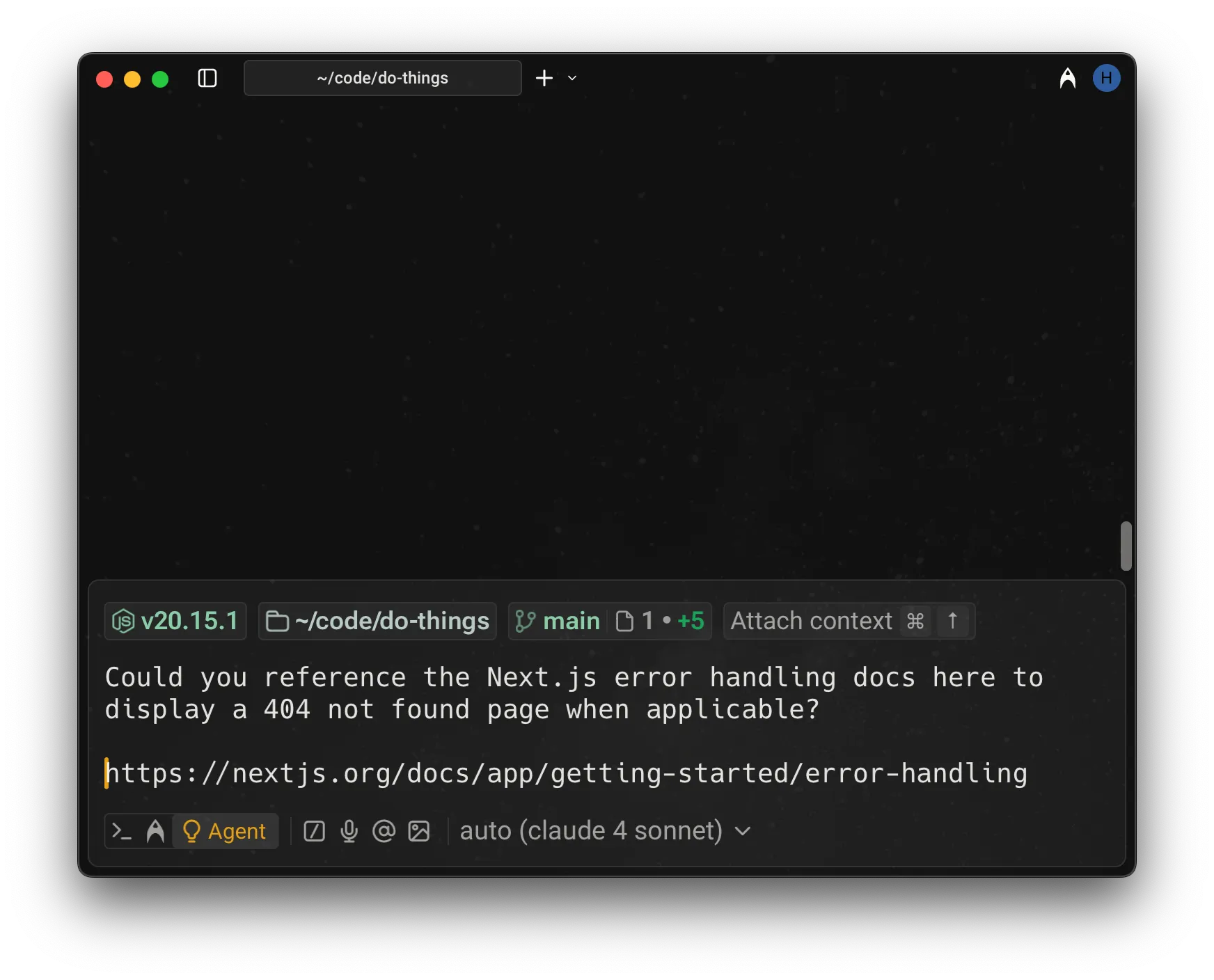
# URLs as Context Attach a public URL to any agent prompt to provide page content as context. Warp scrapes the page and surfaces the extracted text directly to the model, giving the agent access to documentation, references, or any publicly accessible web content. ## Referencing websites via URLs You can attach a public URL to any prompt to provide page content as context. Warp will scrape the page and surface the extracted text directly to the model. * Only publicly accessible pages are supported. * The full page is added to the model’s context, which may increase credit usage for long documents. * Only the specific URL you provide is processed. The agent won’t explore the site, follow links, or crawl beyond that page. :::note **Important**: URL attachments are different from web search. If you need the agent to look something up, gather real-time information, or pull in multiple sources, use [Web Search](/agents/capabilities/web-search/) instead. ::: <figure>  <figcaption>Example of referencing docs via a URL.</figcaption> </figure>Tell me about this feature: https://docs.warp.dev/agents/local-agents/agent-context/urls-as-context/Attach a public URL to your prompt so the agent can reference that page's content.
Attach a public URL to any agent prompt to provide page content as context. Warp scrapes the page and surfaces the extracted text directly to the model, giving the agent access to documentation, references, or any publicly accessible web content.
Referencing websites via URLs
Section titled “Referencing websites via URLs”You can attach a public URL to any prompt to provide page content as context. Warp will scrape the page and surface the extracted text directly to the model.
- Only publicly accessible pages are supported.
- The full page is added to the model’s context, which may increase credit usage for long documents.
- Only the specific URL you provide is processed. The agent won’t explore the site, follow links, or crawl beyond that page.